Lyric video templates, ready for your song
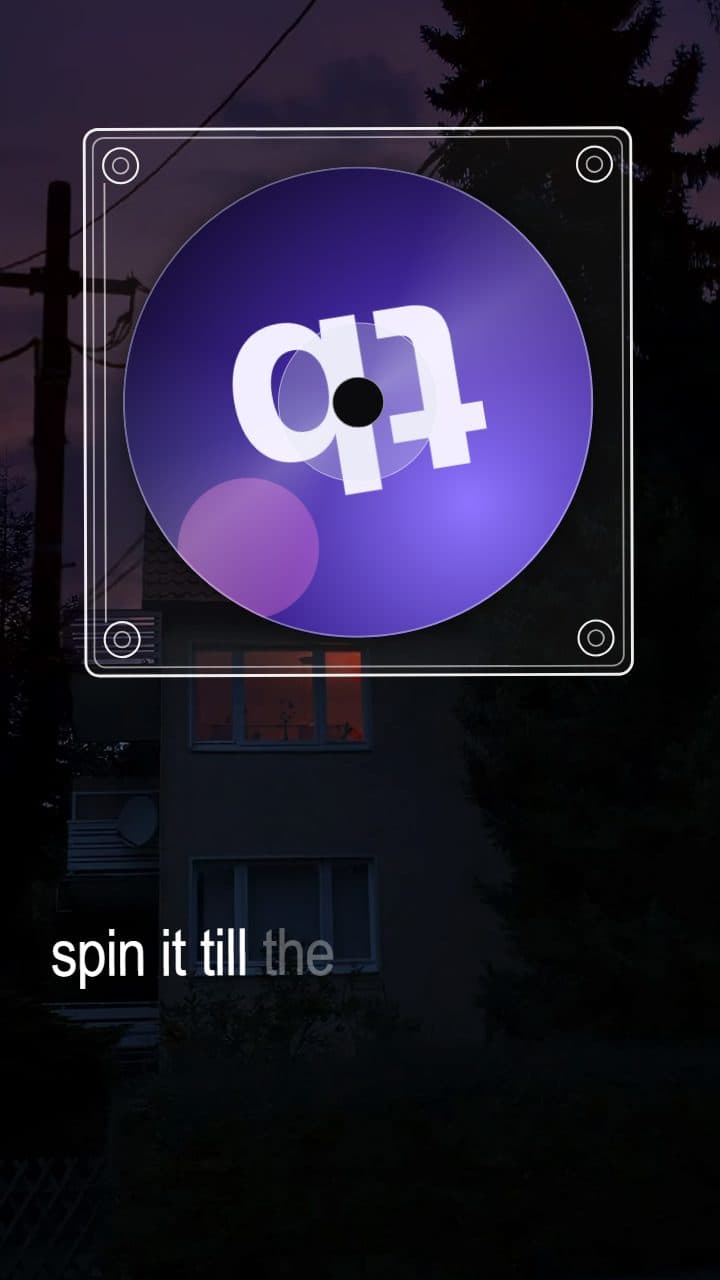
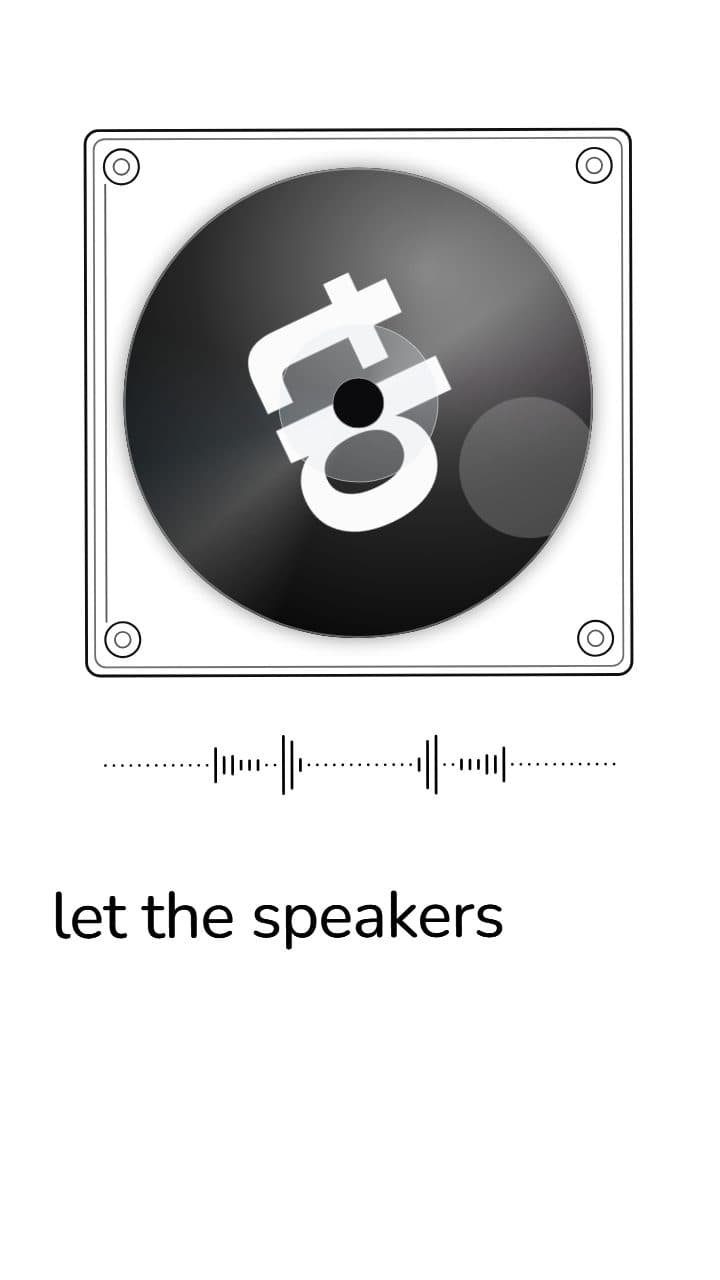
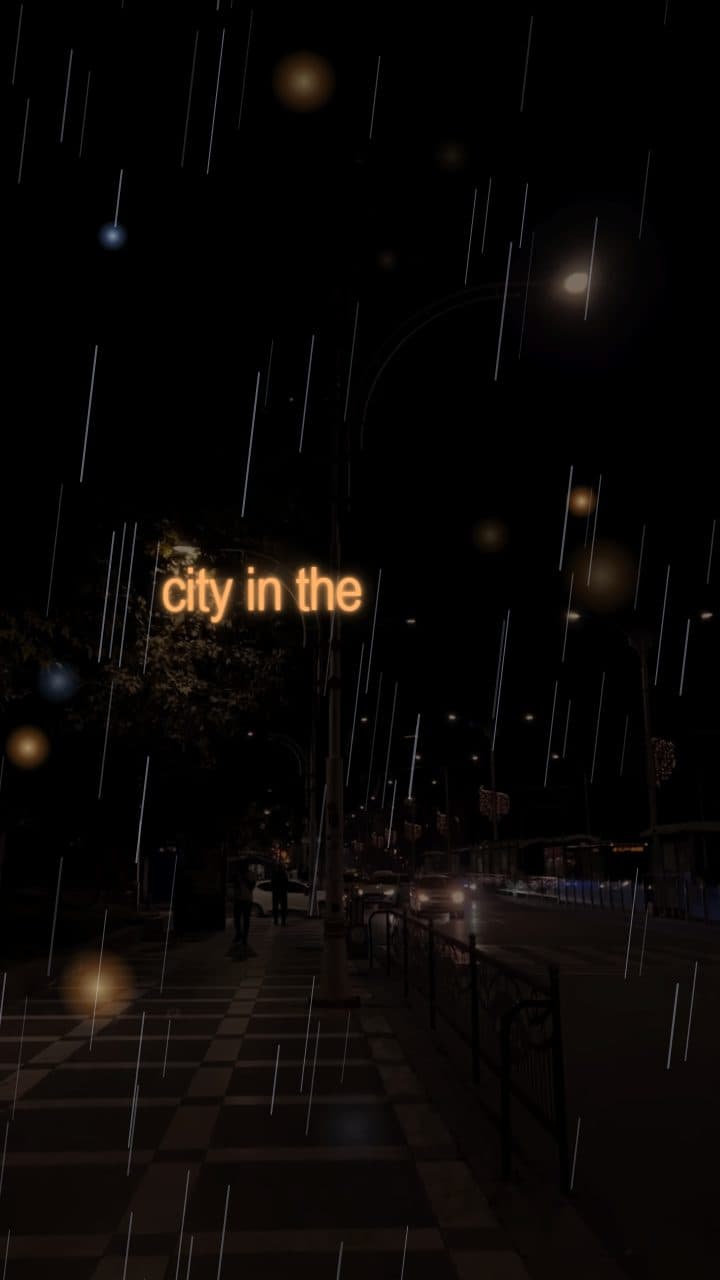
An After Effects template still leaves the timing to you, keyframing line after line. These come with the timing done: add the song and the lyrics land word by word, while every colour, font and effect stays yours to change.
How to make it
- 01
Pick a template
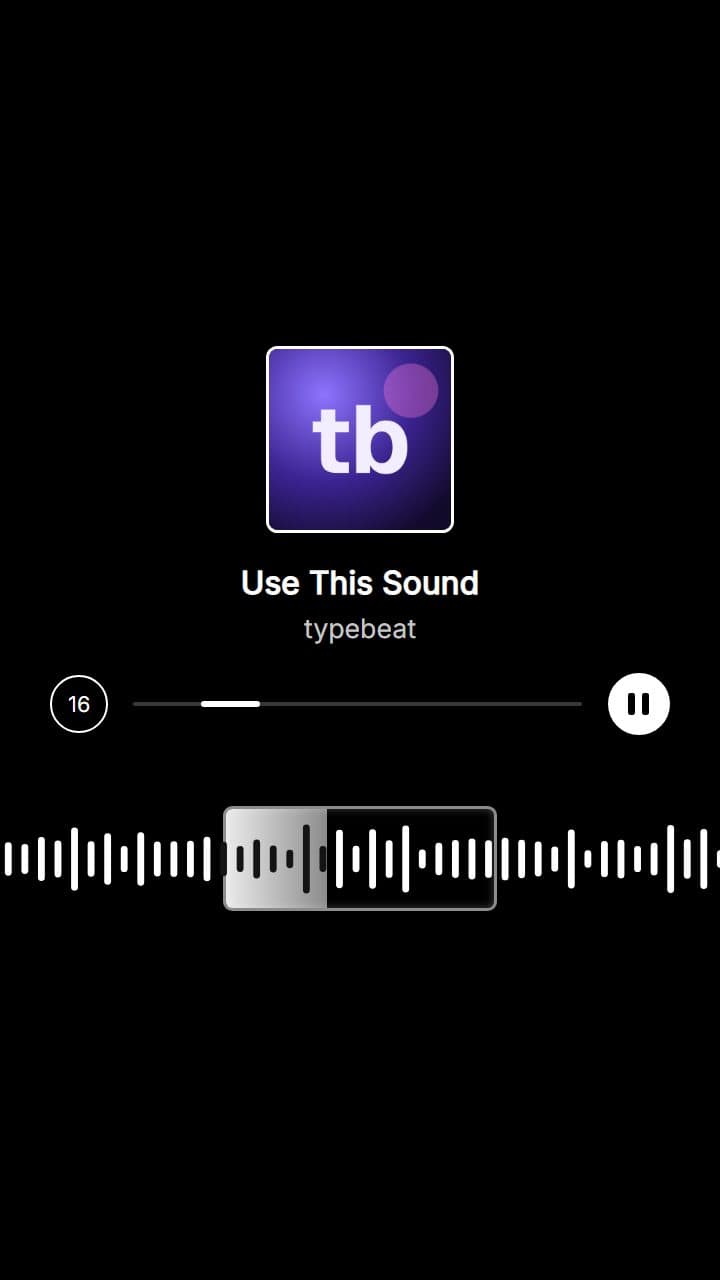
Each style sets the type, colours, motion and layout in one click.
- 02
Add your song
Upload the track, then detect the lyrics, look them up or paste them.
- 03
Make it yours
Change the font, the colours, how words arrive and the effects on the beat - nothing is locked.
- 04
Export
1080p or 4K, vertical, square, 4:5 or widescreen.
The styles
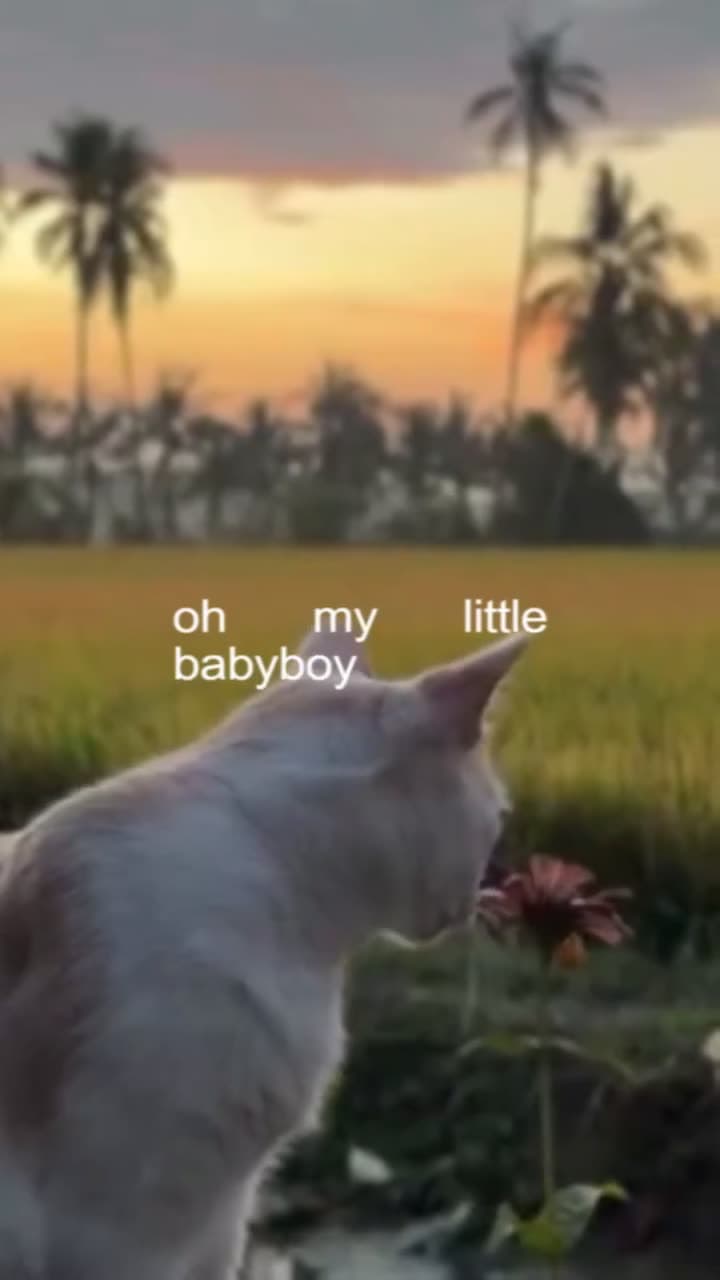
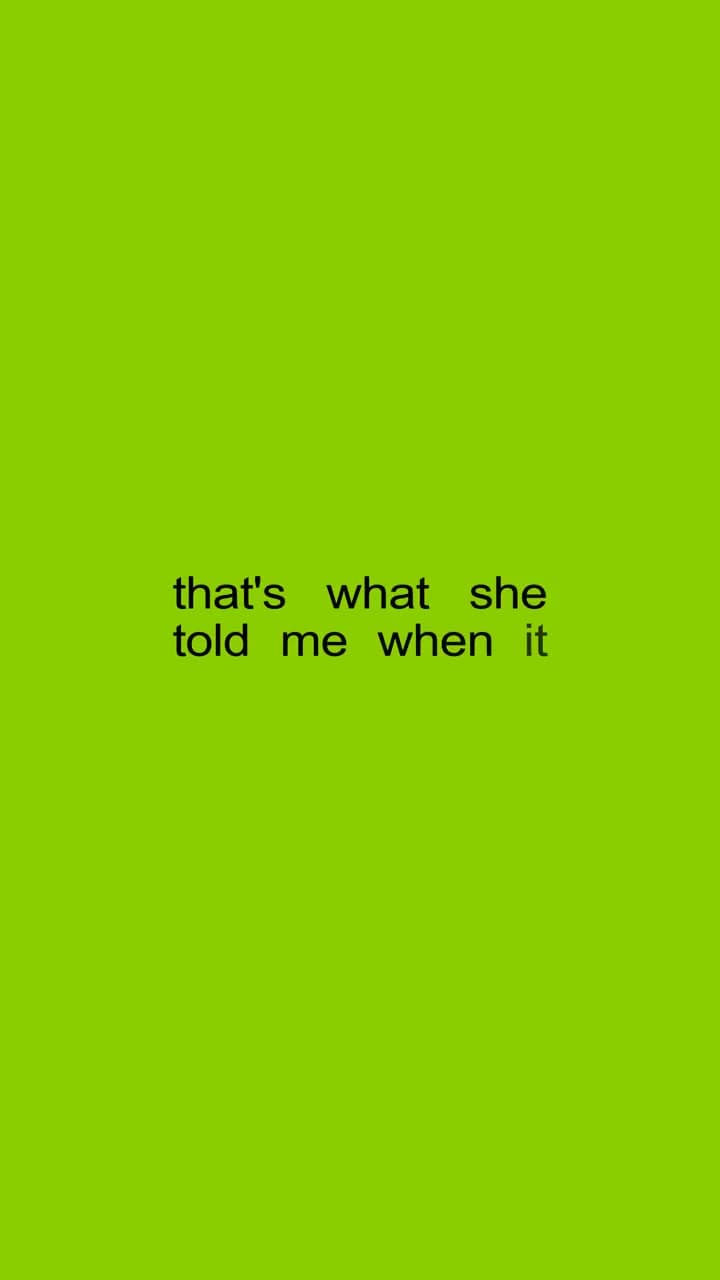
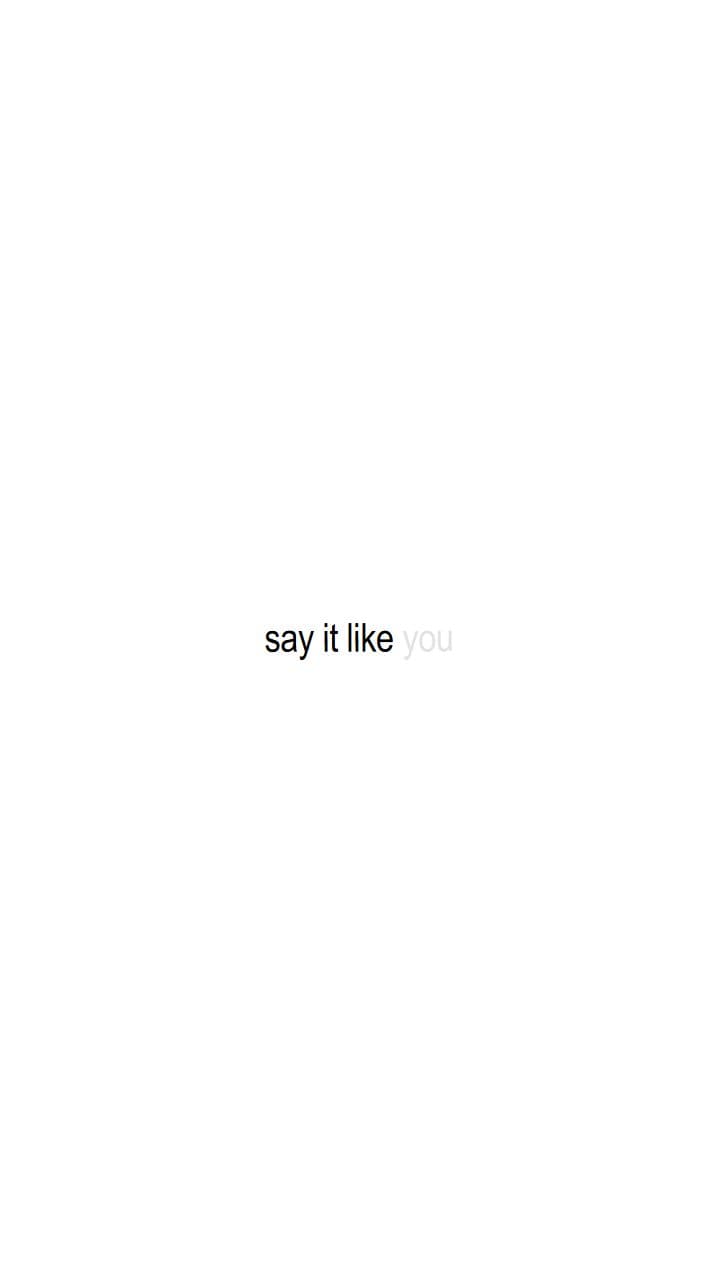
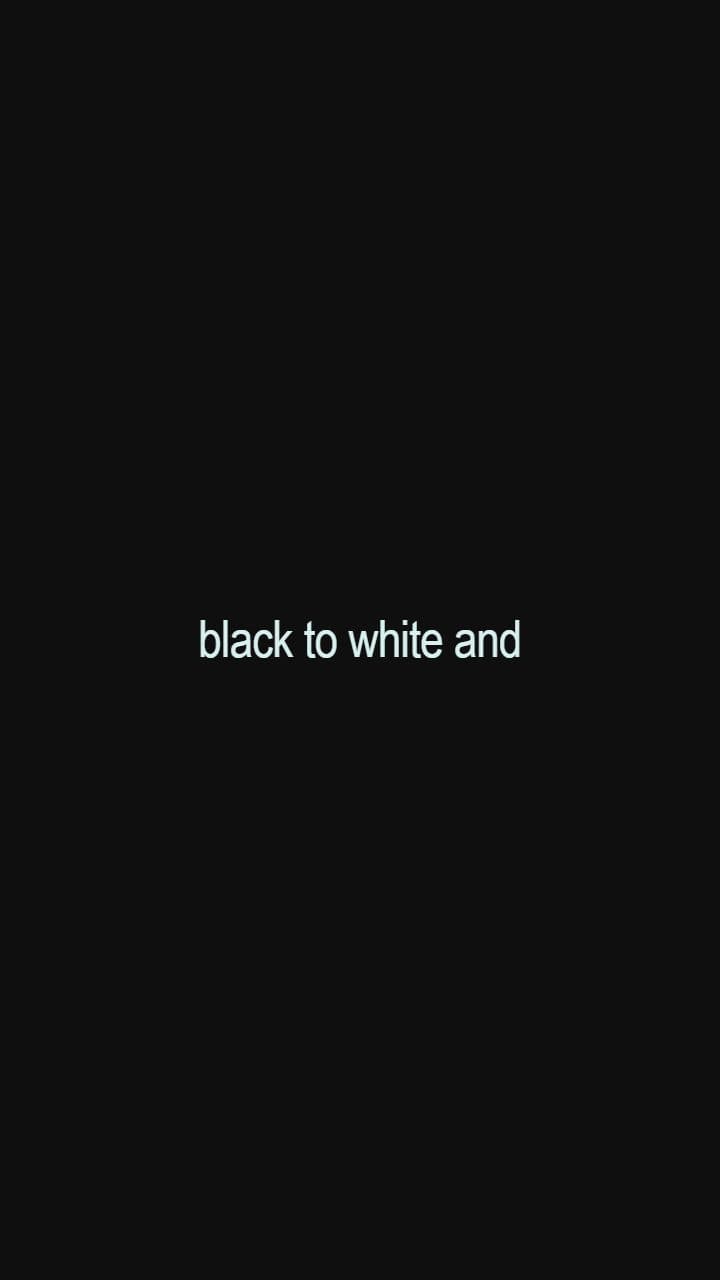
Questions
- Do I need After Effects?
- No. Everything runs in the browser and the export is a finished MP4.
- Can I switch templates after I start?
- Yes. Change the style at any point; your lyrics and their timing stay as they are.
- Are the templates free?
- Yes. Every style is on the free plan.
Other guides
- How to make a lyric video, step by step
- A free lyric video maker that keeps the good parts in
- Add lyrics to your own video, timed to the song
- Sync lyrics to a song, down to the word
- Lyric videos for YouTube, full length and in 4K
- Lyric videos sized for Instagram Reels and the feed
- YouTube Shorts lyric videos, cut from the best part of the song
- Kinetic typography lyric videos, animated to the vocal
- Turn an LRC or SRT file into a lyric video
- Make a lyric video on your phone, no app needed
- Make promo videos for your song in an afternoon